
Hisi is the visual builder for WordPress that writes the HTML and CSS you would write by hand, with real classes, live collaboration and an AI that builds beside you.
What you see is what ships.
Most builders show you one thing and publish another. Hisi renders every page with twin engines, one in the editor and one on your server, that produce the same HTML byte for byte. It is checked automatically on every build, so nothing changes after you hit publish.
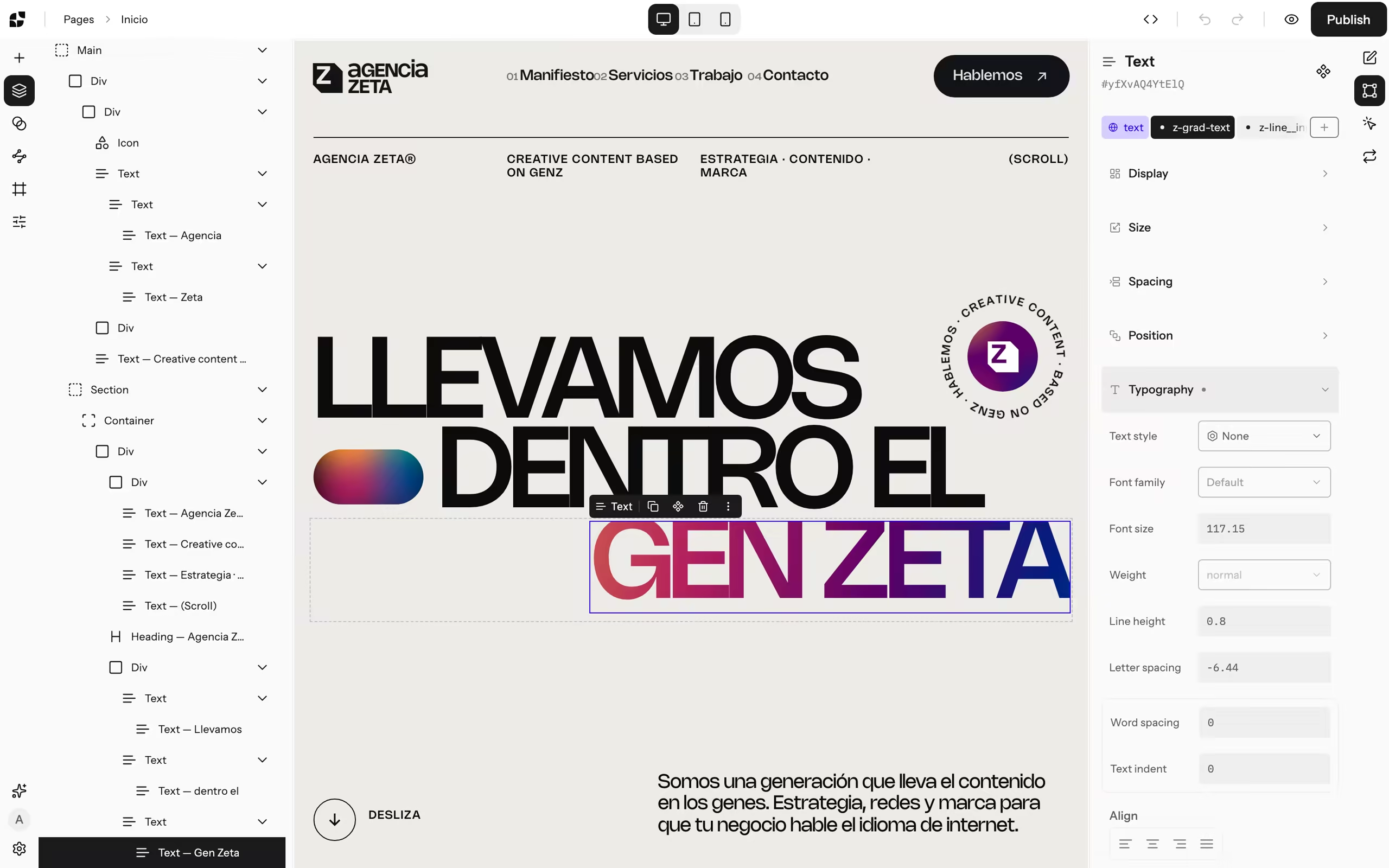
Agencia Zeta, a real site built with Hisi, open in the editor.
Twin renderers in TypeScript and PHP, compared automatically.
Every edit stays a draft until someone presses Publish.
Real sections, headings and lists. No wrapper soup.
Everything a pro build needs. Nothing it doesn't.
No add-ons to buy and no plugins to glue together. The tools you reach for every day are already inside, and they all speak the same language: classes and variables.
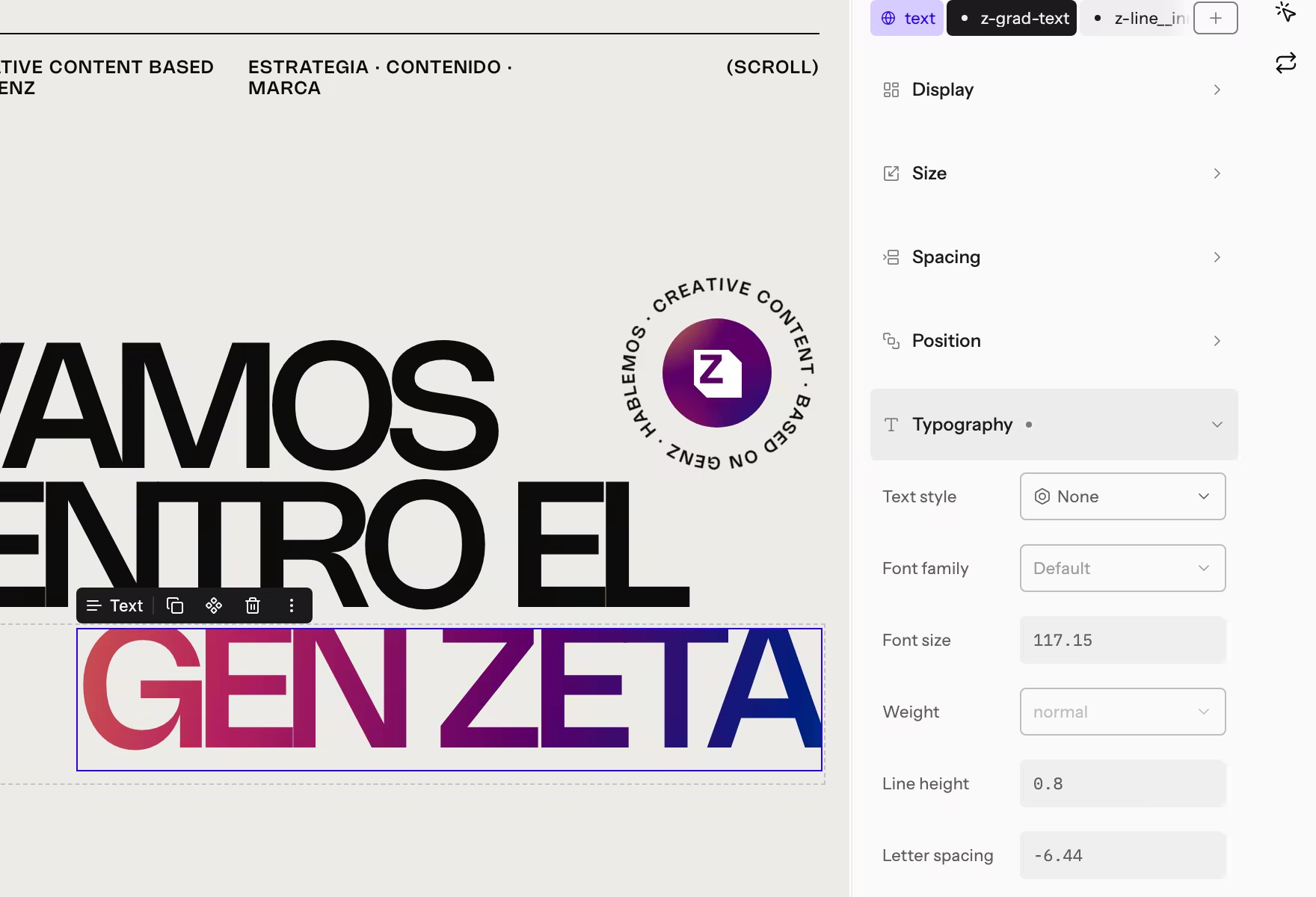
Classes first
Style a class once and use it everywhere. Names that say what a thing is, never a pile of one-off styles.
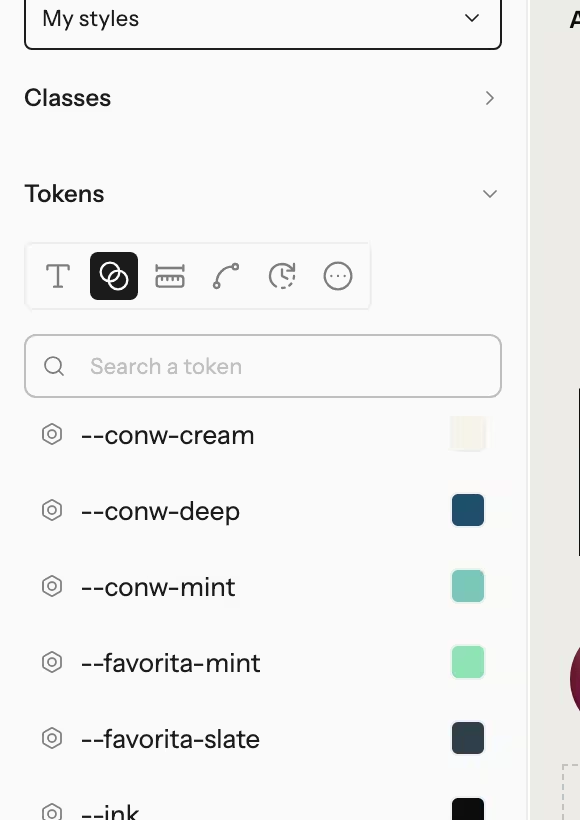
Design variables
Colours, type, spacing and motion as typed tokens. Change one value and the whole site follows.
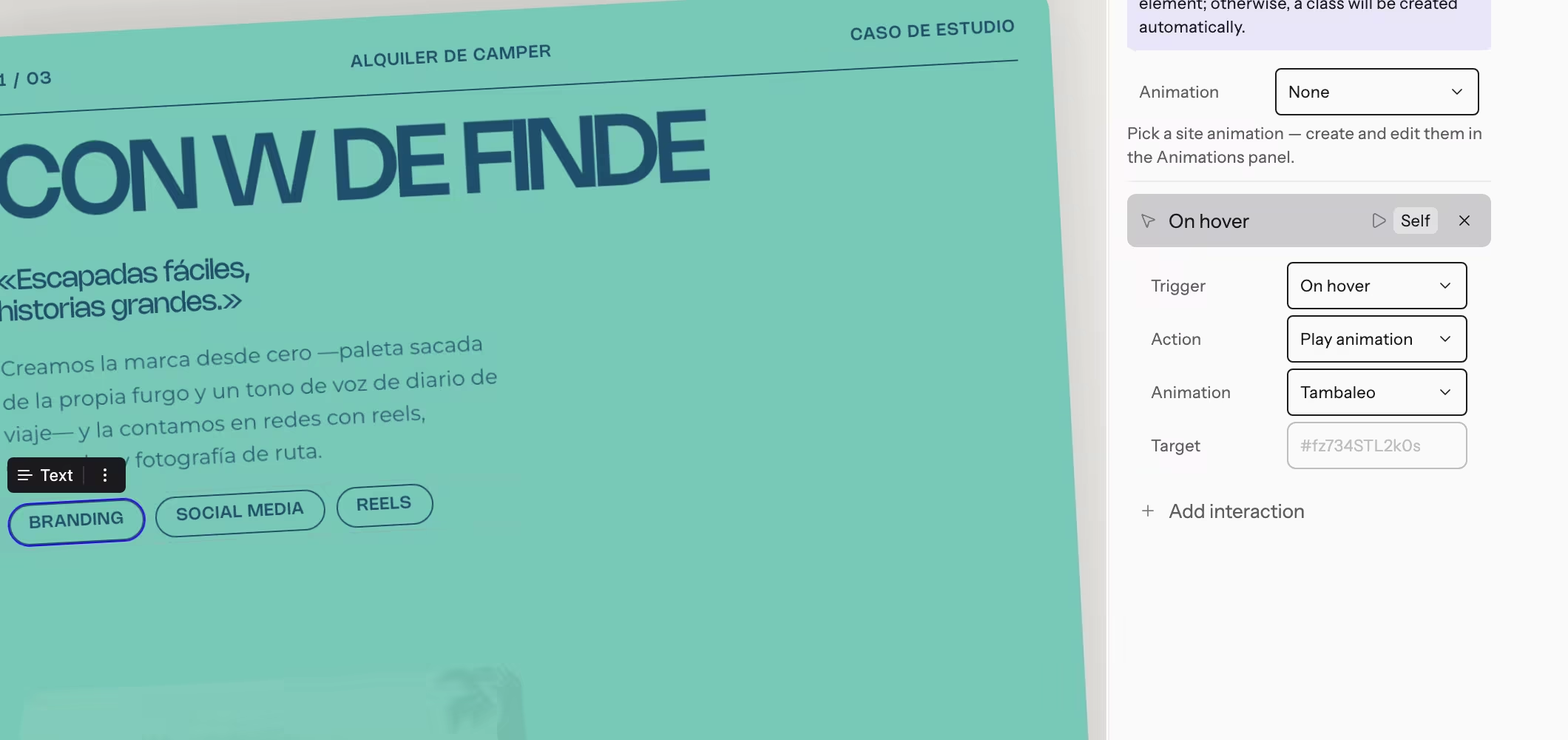
Motion, built in
Interactions on load, hover, click and scroll, plus your own keyframe animations. No add-ons.
<div class="div proof reveal">
  <span class="text proof-figure">1 : 1</span>
  <span class="text proof-title">Same bytes, editor and live</span>
  <p class="text proof-text">Twin renderers in TypeScript and PHP, compared automatically.</p>
</div>Clean, honest HTML
Real sections, headings and lists, with the classes you named. The markup you would write by hand.

Live, together
Edit the same page at the same time and see everyone's cursor. Nothing goes live until someone publishes.
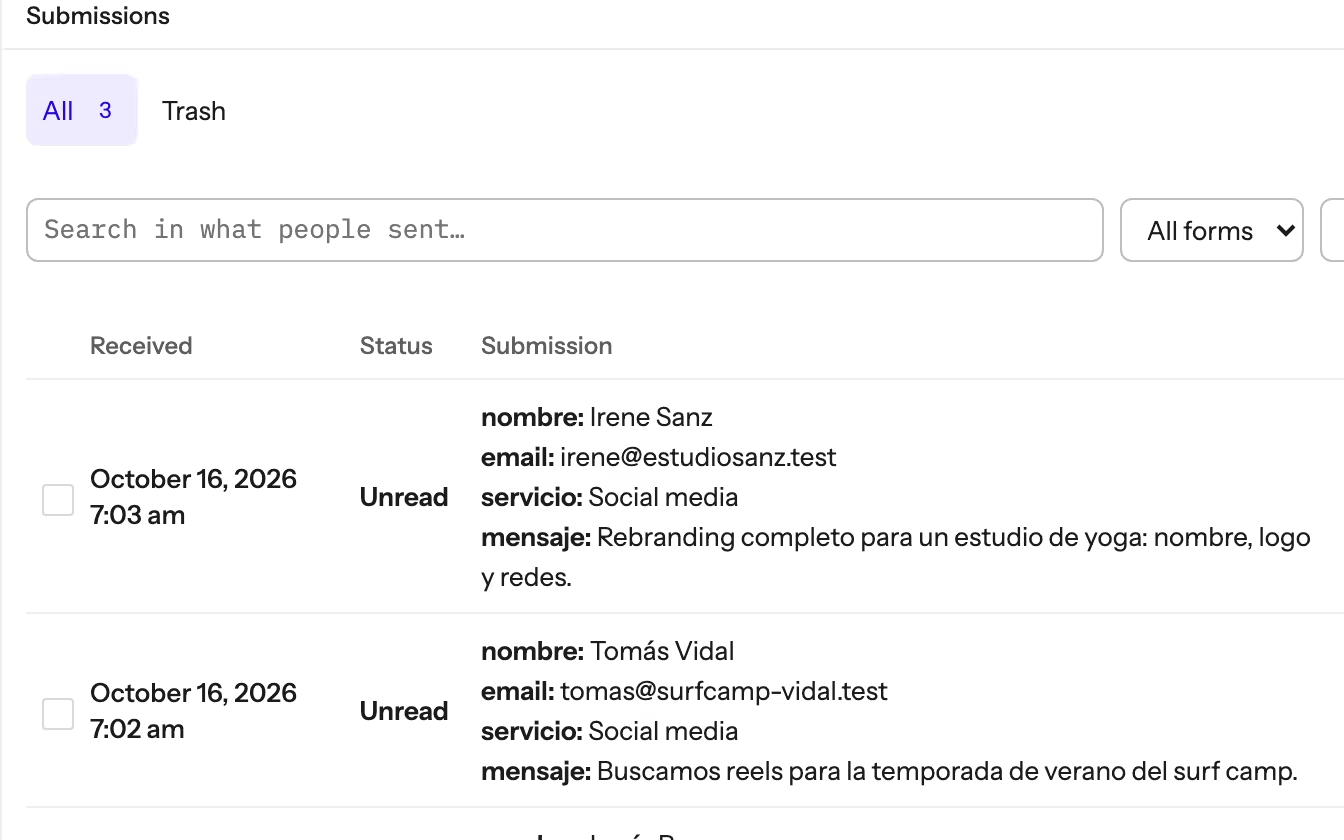
Forms that just work
Multi-step forms with every submission saved in WordPress and sent to your inbox.
The tools a real project needs.
Client sites need more than a pretty page. Hisi brings the pieces you use every week, and they all work with the same classes and variables.
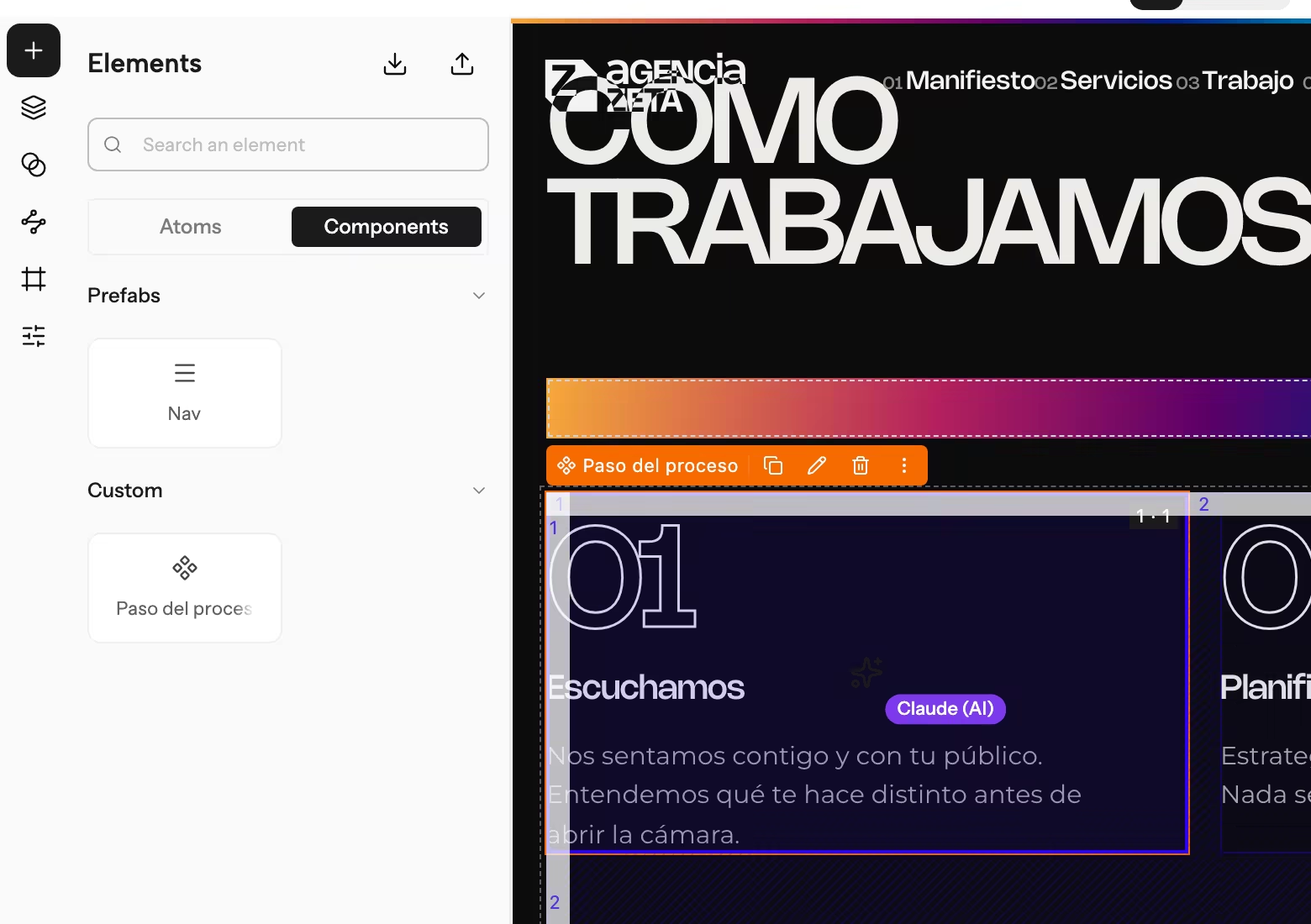
Make it once, use it everywhere
Turn any element into a reusable component. Edit the original and every copy follows, while each copy can keep its own texts, links and images.
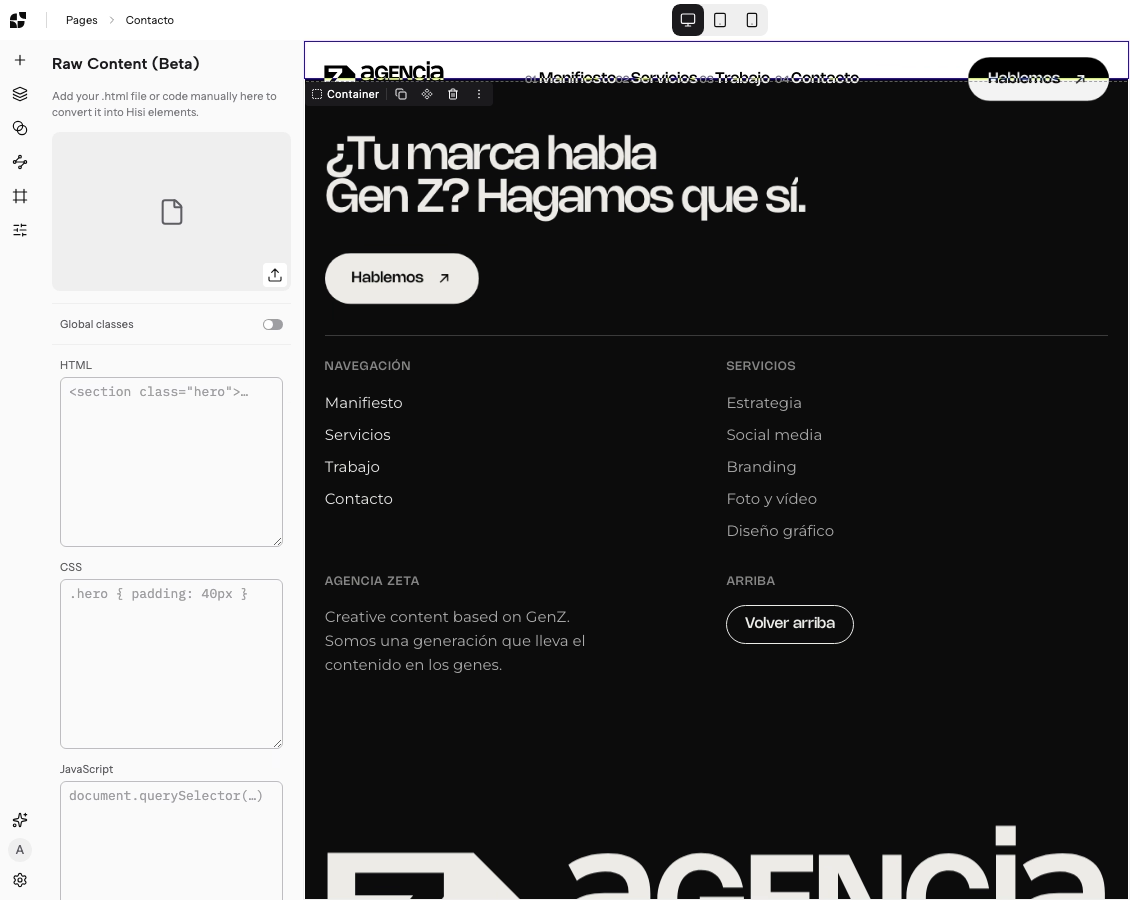
Paste HTML. Get Hisi.
Paste HTML and CSS, or drop in an .html file, and Hisi turns it into its own elements, classes and variables, with a report of anything it could not carry over.
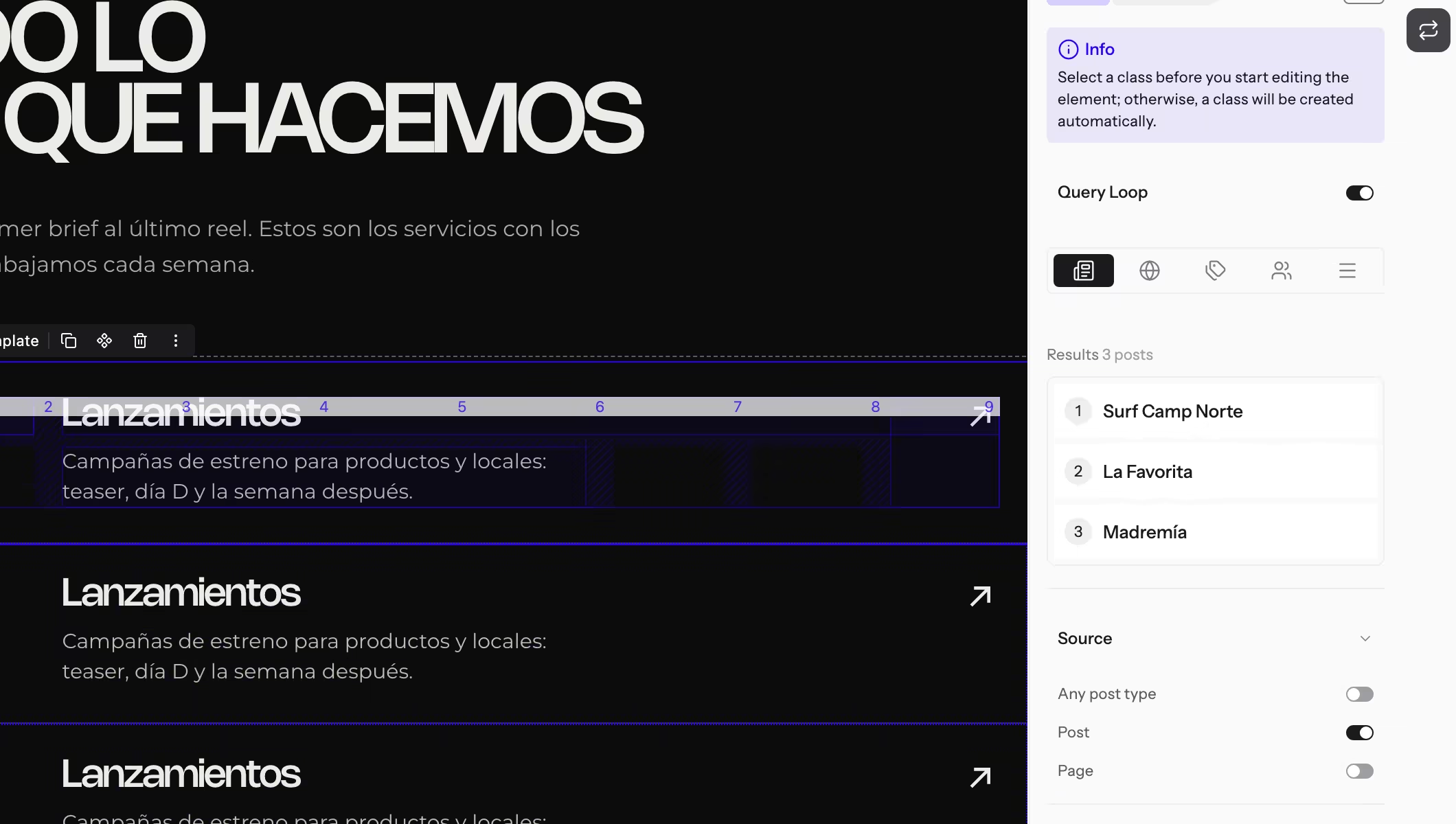
Loops and dynamic data
Repeat an element for every post, term, user or menu item. Filter, sort and paginate, and pull titles, images and ACF fields into the design.
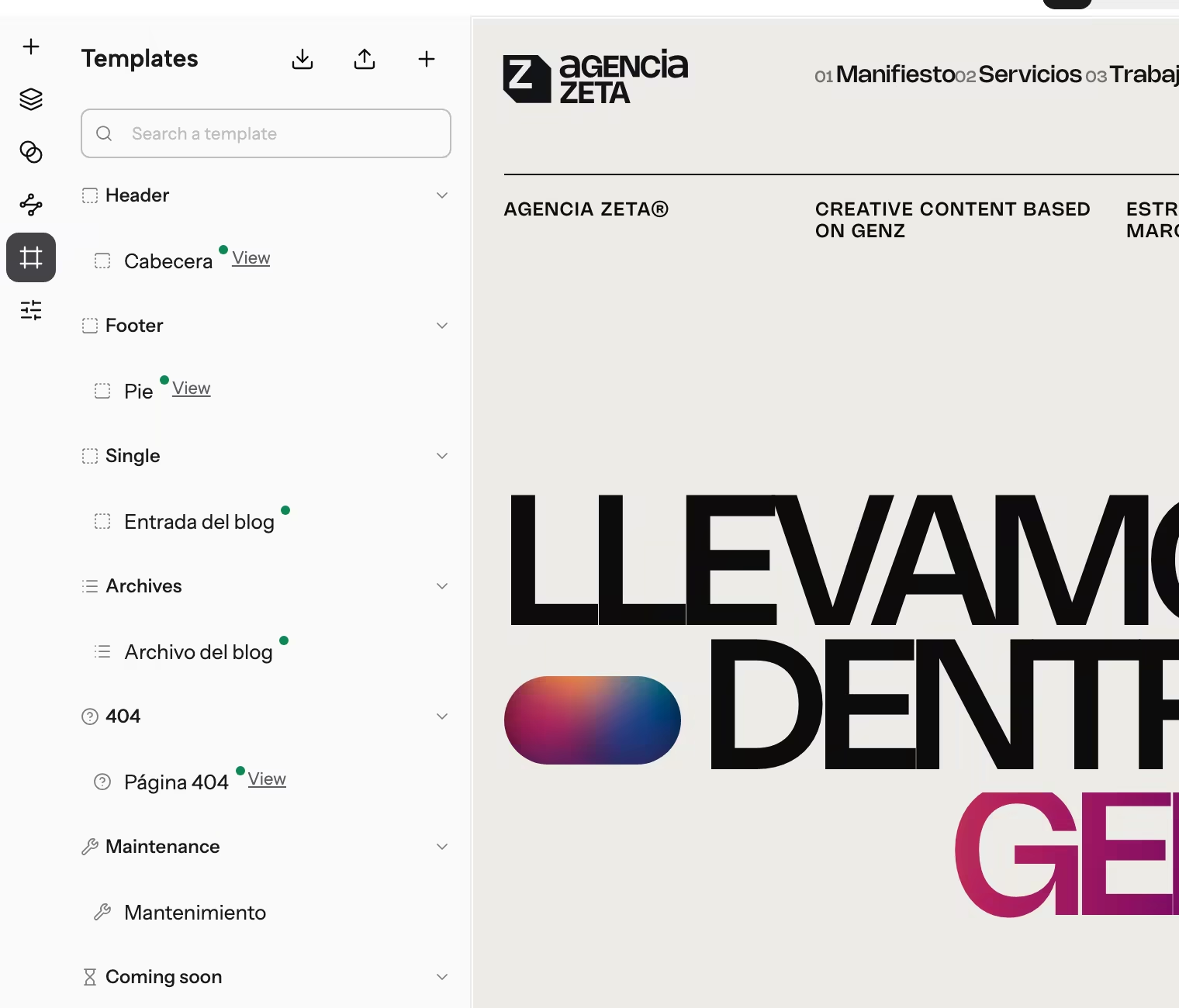
Templates for the whole site
Header, footer, posts, archives, search, 404, maintenance and coming soon, designed in the same editor and applied to the site, a post type or the front page.
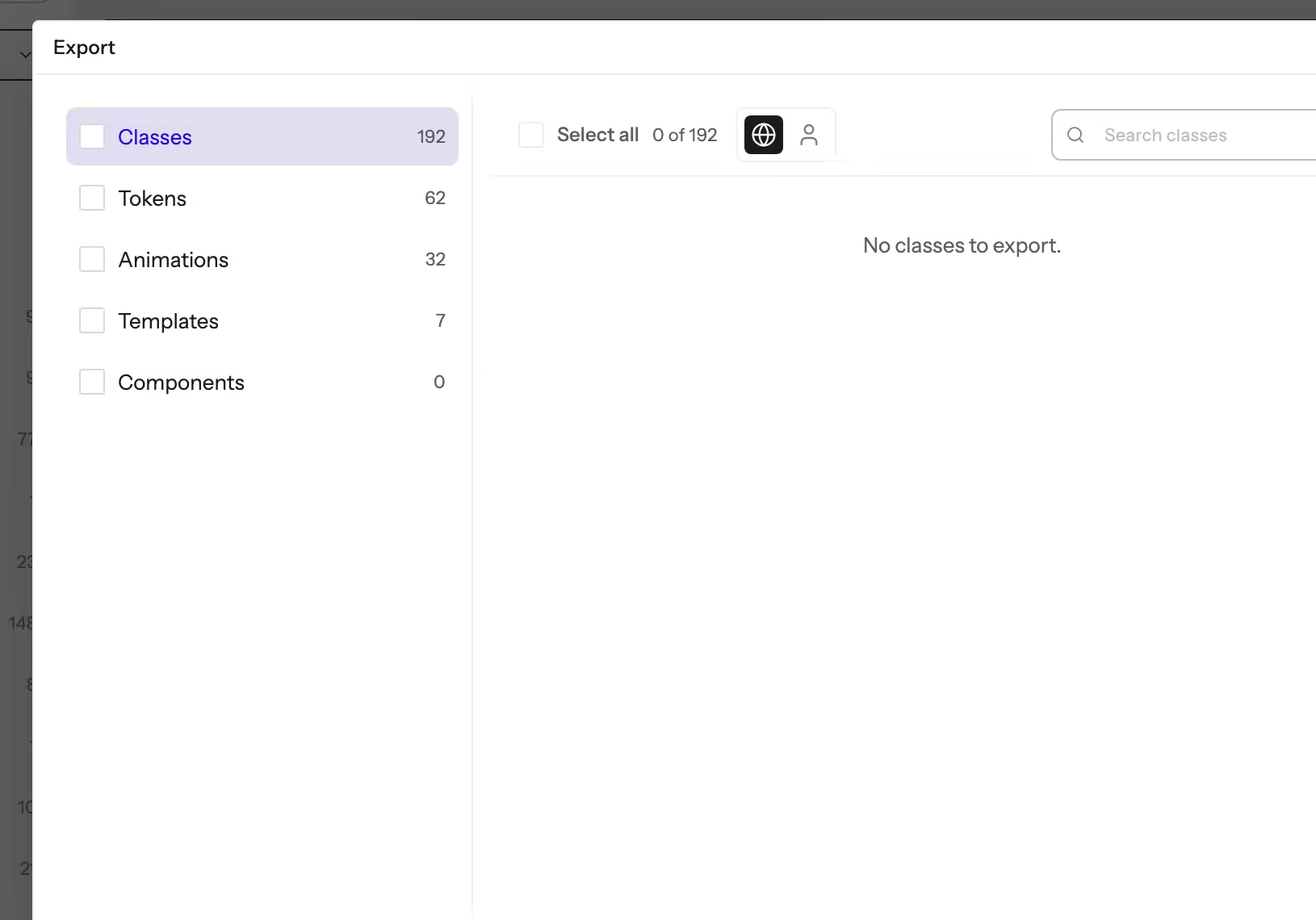
Take your system anywhere
Move classes, variables, animations, components and templates between sites in a single file. Hisi saves a backup before every import.
Built for people who outgrew their builder.
We studied the forums, reviews and feature requests of people who build WordPress sites for a living. These are the complaints that came up again and again.
Styles live in too many places.
Every class and every token in one place, with names that mean something.
The editor shows one thing and the live site another.
Twin renderers. The same HTML in the editor and on your site, byte for byte.
Lost work, and no way to save without publishing.
Every change is a draft until someone presses Publish.
Animations need a paid add-on.
Interactions and keyframe animations come built in.
AI that breaks more than it builds.
An AI that works like a teammate, asks before touching anything shared, and never publishes.
Ask for a page. Watch it being built.
Connect Claude, or any assistant that speaks MCP, and it works on your page live, like a teammate. You see its cursor and every change it makes, and you stay in charge of what goes out.
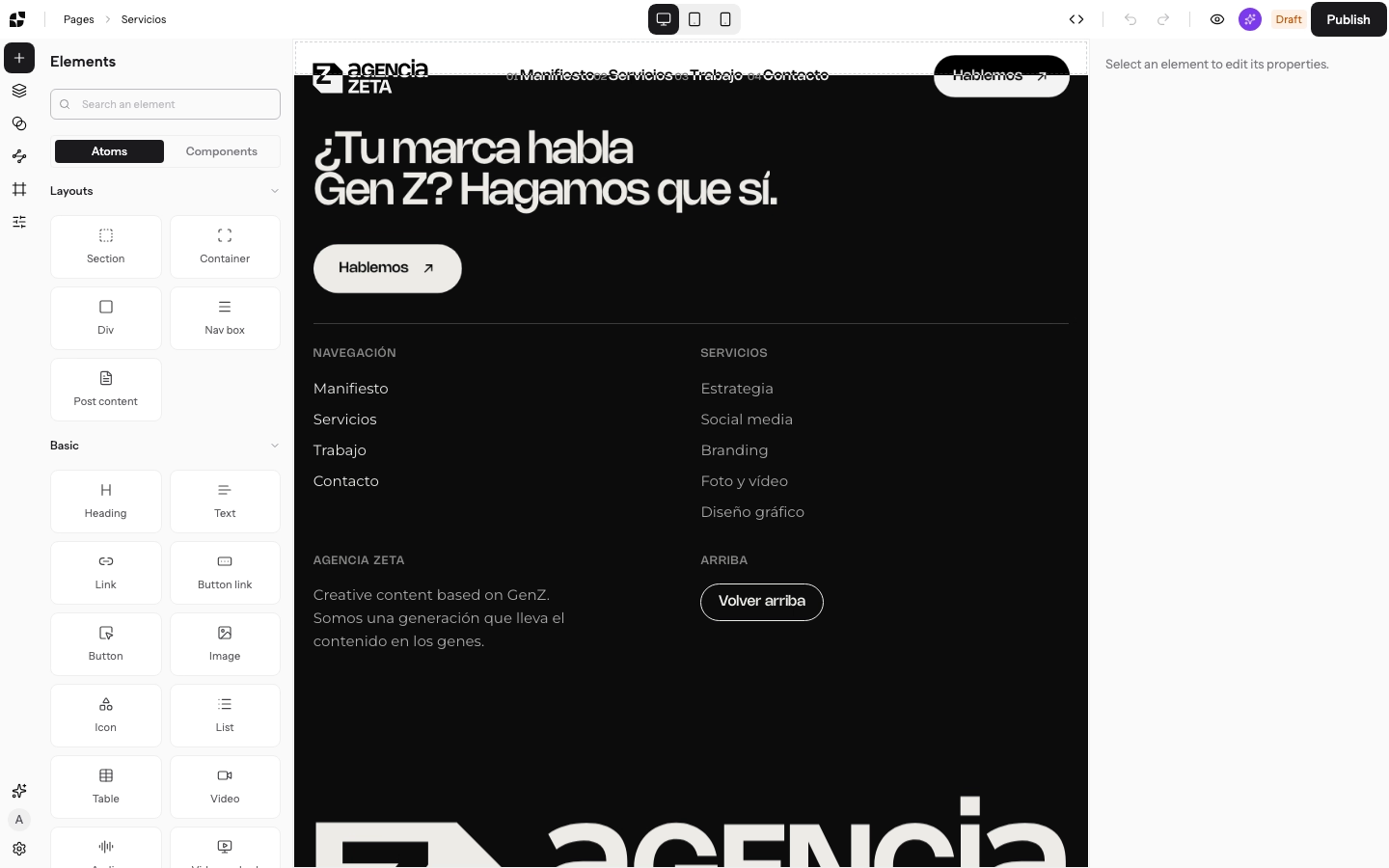
Recorded in Hisi: an AI agent adds a services page to Agencia Zeta, reusing the agency’s own classes, and asks before touching a shared one.
Every change reaches your editor as it happens, and you can discard whatever you do not like.
Site classes, variables, reusable pieces and where a form sends its data wait for your approval.
There is no publish button for the AI. A person decides what goes live, always.
Be one of the first to build with Hisi.
We are opening Hisi to a small group of people who build WordPress sites for a living. As a tester you get: